
Choose a resume template
Compare resume layouts, import an existing resume, and choose the right format for your PDF or editable Word download.
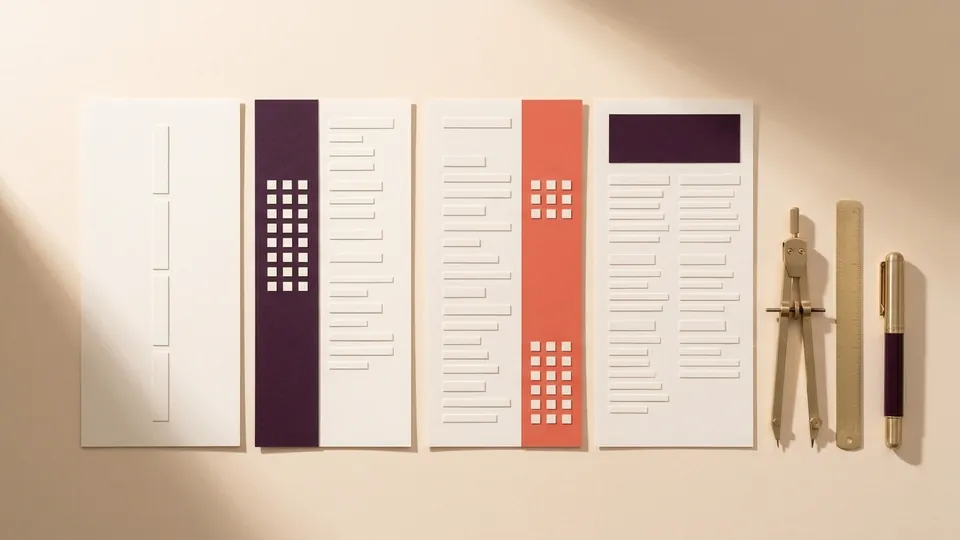
Choose a layout for your experience
Start with a traditional layout if you want employers to scan your work history in order. A two-column or Swiss rail layout gives shorter sections, such as skills and education, their own dedicated space. You can switch designs after adding your experience.
Bring an existing resume
Import a text-based PDF, DOCX or TXT file. Check each job title against its employer and dates, then check that each qualification sits under the right school. For a scanned PDF, extract the text first.
Choose your download format
Use Print / Save PDF for free to keep the exact design you previewed. With a paid plan, download an editable Word document that preserves your chosen template hierarchy and alignment.